
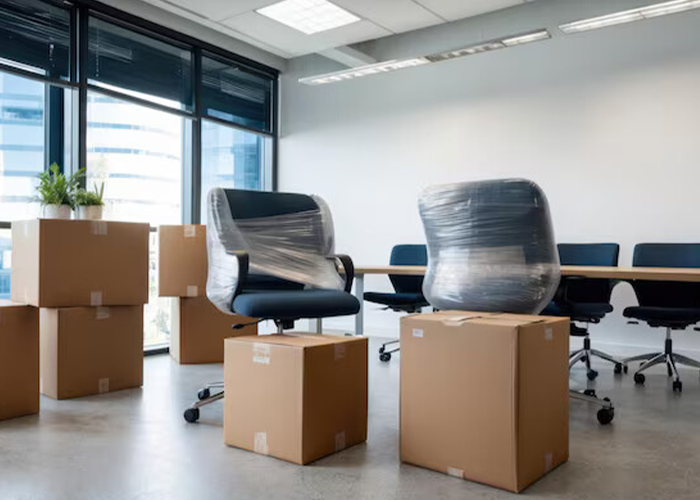
Moving a home office can feel tricky. Work still needs to get done. Emails still come in. Deadlines do not wait. A move without a plan can slow everything down. With the right steps and trusted office relocation services in Denver, it is possible to move smart and stay on track. Let’s break the process into simple steps. It keeps things clear, calm, and easy to follow.
Why does moving to a home office feel so stressful?
A home office is not just a desk and a chair. It is where focus happens. It is where tools, files, and habits live. When all that changes at once, work can feel messy.
Common problems include:
- Lost cables and chargers
- Broken or scratched screens
- Internet delays
- No clear work setup
The good news is this. With the right plan, these problems can be avoided.
How early should planning start?
Planning should start weeks before moving day. Rushing causes mistakes. A slow and steady plan saves time later.
Early planning helps with:
- Booking movers
- Packing in stages
- Backing up files
- Setting up internet early
This is where a solid relocation checklist really helps.
What should be on an office relocation checklist?
An office relocation checklist is like a roadmap. Important checklist items include:
- Choose a move date
- Back up all work files
- Sort and label equipment
- Pack office supplies
- Set up internet at the new place
Using an office relocation checklist also helps lower stress. Everything feels more under control.
How should work electronics be packed?
Laptops, monitors, and routers are fragile. They do not like bumps or drops. Poor packing can lead to damage or lost data.
That is why moving electronics for work needs special steps.
Easy steps to protect electronics
Follow these tips when moving electronics for work:
- Shut down devices fully
- Unplug cords slowly and carefully
- Label each cable
- Wrap items with soft padding
- Use strong boxes
It also helps to take photos of how cords are connected. This makes setup easier later.
Should movers handle a home office move?
Some people try to do it all alone. That can work for small moves. But a home office move often needs more care.
Professional movers know how to handle:
- Heavy desks
- Fragile screens
- Office chairs
- File cabinets
Many people choose the best office relocation services in Denver to avoid damage and save time.
DIY move vs professional office move
Here is a simple comparison:
| Time | More time | Less time |
| Risk | Higher | Lower |
| Stress | Very high | Much lower |
| Setup speed | Slow | Faster |
| Work delays | Common | Less likely |
Choosing the best office relocation services in Denver often means work gets back to normal sooner.
How can work stay on track during the move?
Work does not have to stop. It just needs a lighter plan for moving days.
Helpful ideas include:
- Work only on a laptop
- Delay meetings if needed
- Answer emails during breaks
This keeps work moving without pressure.
Pack a work survival box
This box should stay with you. Not in the truck.
Include:
- Laptop and charger
- Headphones
- Notebook
- Power strip
This small step makes a big difference.
What should happen on moving day?
Clear labels save time later. Each box should say what is inside and where it goes.
For electronics, add notes like:
- Fragile
- This side up
- Office setup
Movers should know which boxes matter most for work.
Clear instructions help movers work faster and safer. This is often part of reliable office relocation services in Denver.
How to set up the new home office fast
Do not worry about décor right away. Focus on what helps work start again.
Set up these first:
- Desk and chair
- Power outlets
- Internet connection
- Computer and screen
Once work feels normal, extra details can be added later.
Test everything before working full time
After moving electronics for work, testing is key.
Check:
- Internet speed
- Monitor display
- Keyboard and mouse
- Software access
Fixing small issues early saves hours later.
Let Us Help You Move Forward with Ease
A home office move does not have to slow work down. With clear steps, smart packing, and the right support, productivity stays strong. For a smoother move and less stress, All The Right Moves is ready to help. Contact today and experience reliable office relocation services in Denver that keep work running without missing a beat!
FAQs
How long does a home office move take?
Most moves take one day. Full setup may take another day or two.
Is professional help worth it for a small office?
Yes, especially when electronics and tight schedules are involved.
How can electronics stay safe during a move?
Good packing, clear labels, and careful handling work best.
Should work stop completely on moving day?
No. Light tasks can still be done with a simple setup.
When should the internet be ready at the new place?
The Internet should be set up before moving day, if possible.